

 Desk
Desk
Running an e-commerce store means you’re always fighting for attention. Your product could be amazing, but if the images look cheap or boring, people scroll right past.
Professional product photography costs a fortune. You’re looking at photographers, lighting equipment, props, editing time, and constant reshoots when inventory changes. Most small stores can’t afford to hire professionals for every single product.
AI image generators have changed the game completely. You can take basic product photos or even just descriptions and turn them into scroll-stopping visuals that look professionally shot. We’re talking about creating lifestyle shots, removing backgrounds, adding context, and generating multiple variations in minutes instead of days.
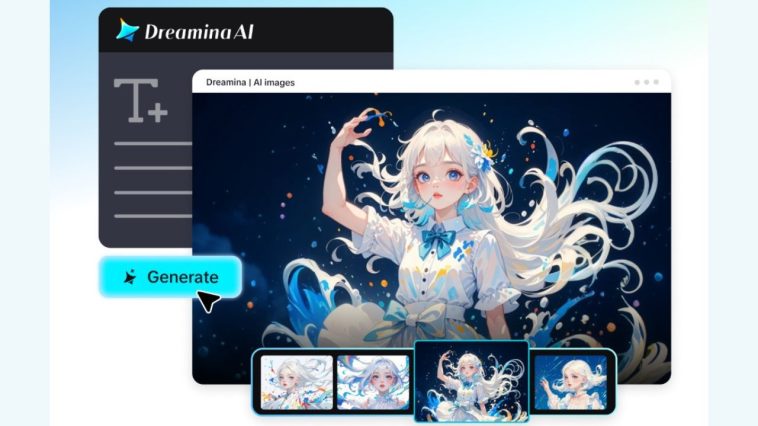
An AI generator like Dreamina makes this process surprisingly accessible. You describe what you want, specify the style, and get e-commerce-ready images without a photo studio.
Why product images make or break sales
People buy with their eyes first. That’s not marketing speak; it’s documented consumer behavior across every e-commerce platform. Bad product images kill conversion rates faster than anything else.
What makes product images sell:
- Clean, well-lit shots that show products clearly without distractions
- Lifestyle images showing products in real-world contexts so customers can imagine using them
- Multiple angles and detail shots that answer questions before customers need to ask
Tools like Seedream 5.0 AI Image Generator excel at this due to their enhanced layout capabilities and improved prompt understanding. You can describe something like “minimalist product photo with soft shadows on white background” and get professional results. The platform’s enhanced text rendering keeps product labels sharp and readable, while a better font selection ensures text overlays match your brand rather than look generic. A clearer visual hierarchy draws the eye to the product rather than competing elements.
Creating different image types for different purposes
Your product needs more than one type of image. Hero shots, detailed views, lifestyle contexts, size comparisons. Each serves a different purpose in the buyer journey.
Image types that convert:
- Hero images with perfect lighting and clean backgrounds for main product pages
- Lifestyle shots showing your product being used in realistic settings
- Detail close-ups highlighting quality, texture, or specific features
- Comparison images showing size relative to common objects
Seedream 5.0’s stronger stylization performance means you can maintain consistent brand aesthetics across all these different image types. The platform’s more precise editing capabilities let you adjust specific elements without regenerating entire images, which saves time when you need small tweaks to match exact brand guidelines.
Making your first product image set
This workflow is faster than traditional photography once you get the hang of it.
Step 1: Start with your hero shot
Open Seedream 5.0 and describe your ideal product image. Be specific: “Wireless headphones on a pure white background, soft lighting from top left, subtle shadow beneath, professional e-commerce photography style, high detail.”
If you’re creating lifestyle imagery, add context: “Wireless headphones on wooden desk next to laptop and coffee, natural morning light, modern home office aesthetic.”
Step 2: Generate and refine variations
Pick your aspect ratio. Square works for most marketplaces, but is considered vertical for mobile shoppers. Generate your image and review it.
If colors aren’t quite right, use image-to-image editing to adjust. The platform’s improved perspective and viewpoint transformation results mean you can show products from different angles while keeping them recognizable.
Step 3: Create supporting images
Once your hero shot is solid, generate detailed images and lifestyle contexts. Use the same base description but modify specifics: “Close-up of headphone ear cushions showing texture and stitching detail.”
Export all variations in the formats your platform needs. Most e-commerce sites want high-resolution JPGs or PNGs.

Turning static images into video content
Once you’ve got strong product images, multiplying their value into video is straightforward.
How to extend product images:
- Create 360-degree rotation videos showing all product angles
- Build feature highlights videos that zoom into specific details
- Generate comparison videos showing before-and-after or size demonstrations
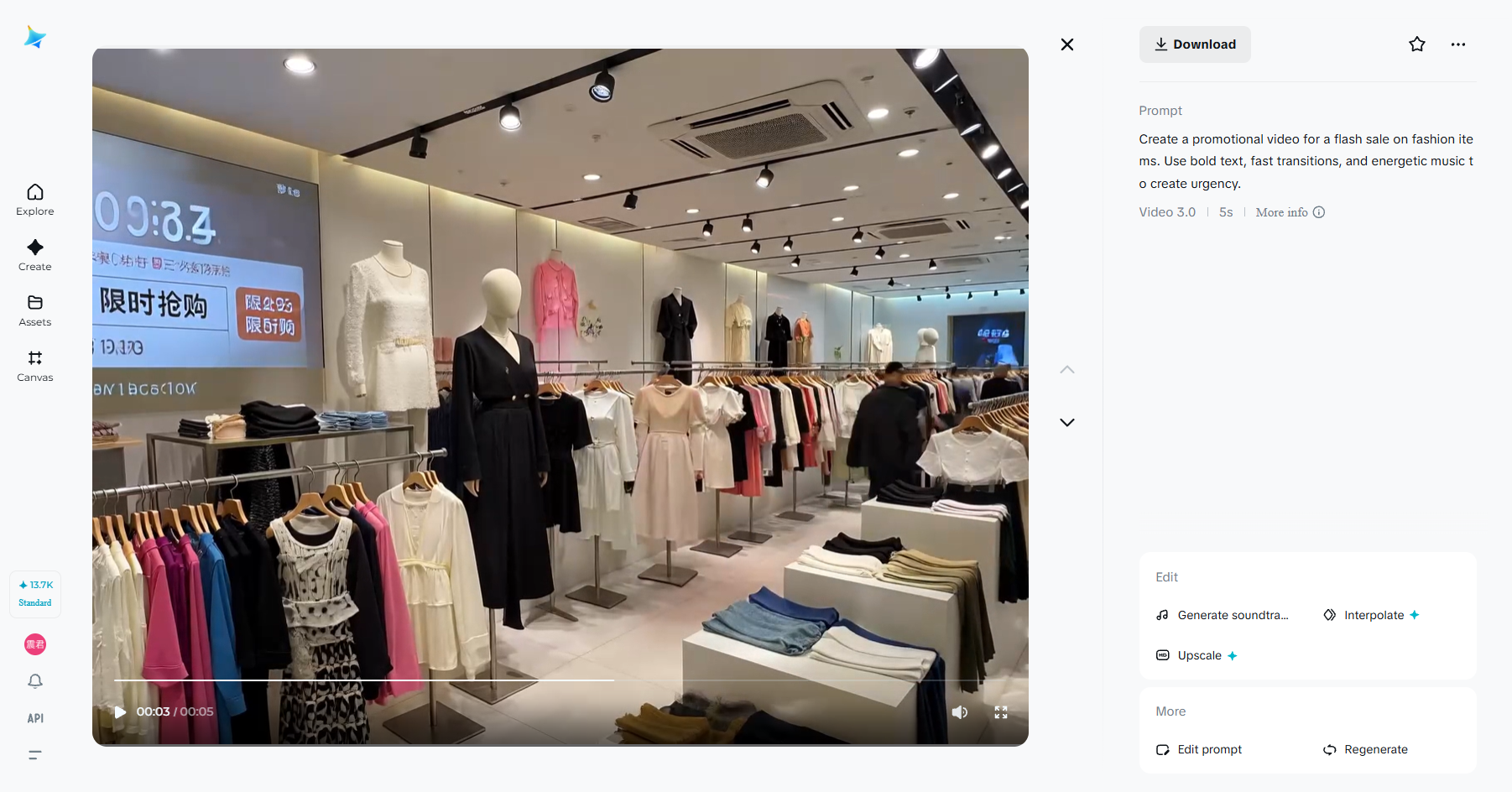
Tools like Seedance 2.0 AI Video Generator handle this transition seamlessly. The platform’s multimodal reference capability means you can upload your product image, add reference videos showing the animation style you want, and combine up to 12 files including brand guidelines. The upgraded consistency features ensure your product looks identical across every frame, which matters for professional presentations. Improved audio-video synchronization means background music or voiceovers match the visual pacing perfectly.
Keeping images authentic, not artificial
AI-generated images can look too perfect, too polished, too fake. That actually hurts e-commerce because people want to see real products.
How to maintain authenticity:
- Use realistic lighting that matches how products look in person
- Keep backgrounds simple but natural, not sterile
- Show minor imperfections or textures that prove the product is real
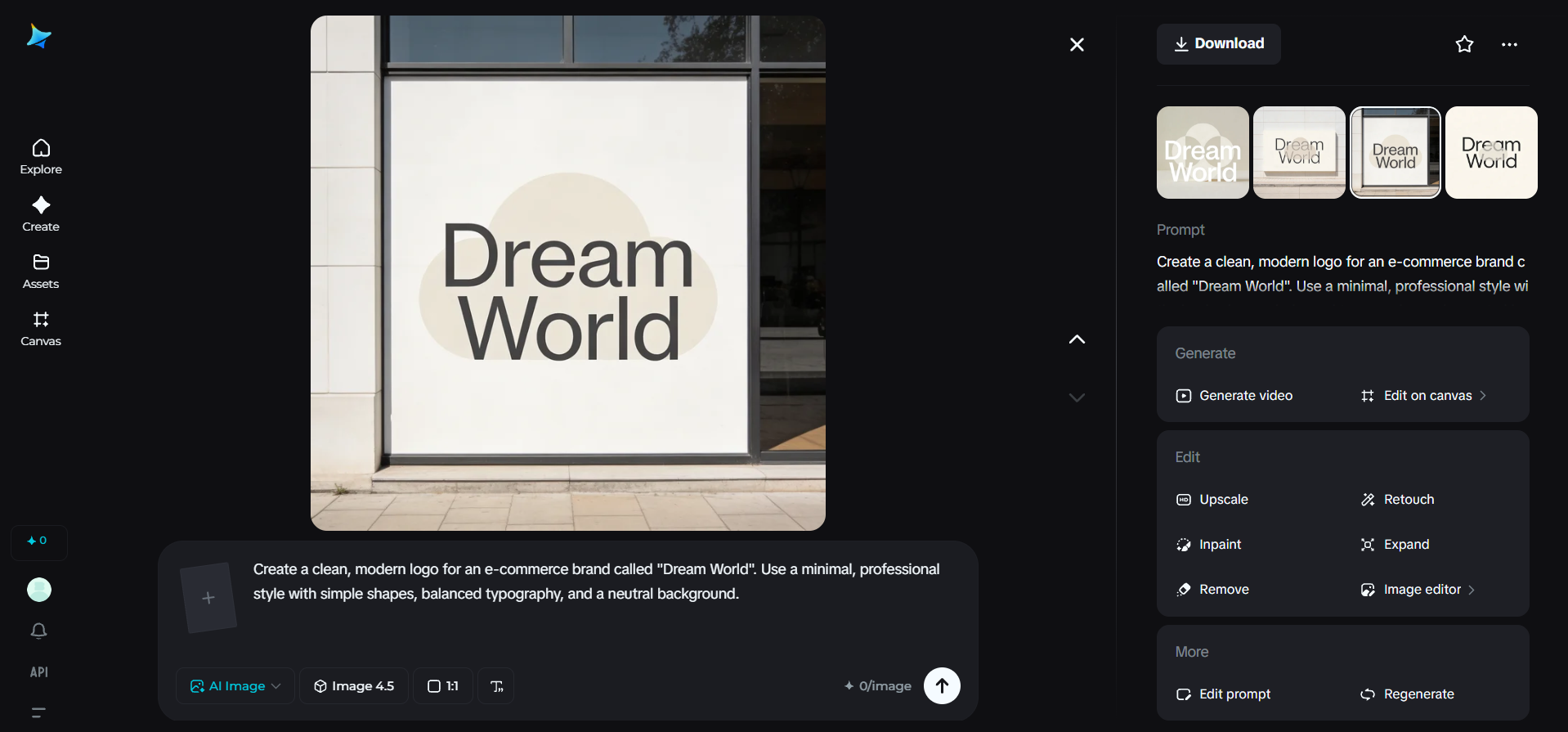
AI tools handle technical quality, but your job is ensuring images represent products honestly. Overpromising with perfect AI images and delivering normal products creates return headaches.
Scaling across your entire catalog
The real power shows up when you’re updating hundreds of products.
Efficient catalog workflows:
- Batch-generate similar products with consistent styling
- Create seasonal variations without reshooting everything
- Update images when packaging changes without scheduling photo sessions
When comparing platforms through resources like Best Sora 2 alternative evaluations, end-to-end workflow integration matters most for catalog management. The seamless connection between Seedream 5.0 for image generation and Seedance 2.0 for video means you can create product visuals, animate them if needed, and export marketplace-ready files without switching platforms. That saves hours per week when managing large inventories.
Final thoughts
E-commerce product photography used to require professional equipment and expertise. AI image generators have made professional-quality visuals accessible to every store, regardless of budget.
Platforms like Dreamina aren’t magic solutions. They’re efficient tools that turn product knowledge into compelling visuals that actually sell. You get to present your products properly without expensive photo shoots or design teams.
Your products deserve great images. Now you’ve got the tools to create them.







