

 Desk
Desk
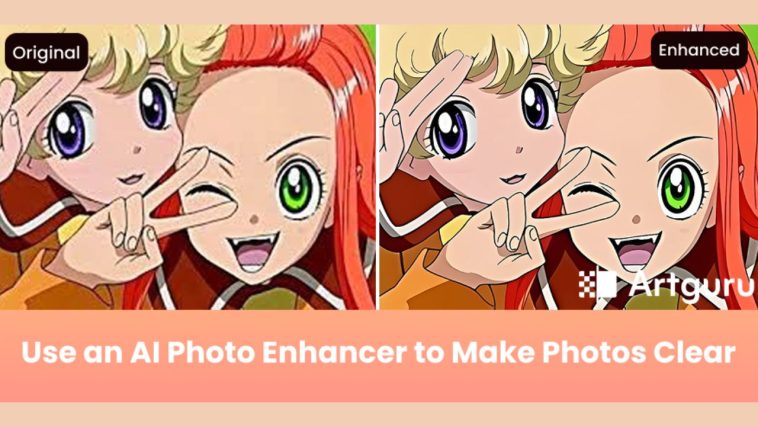
Blurry or low-quality photos can be really frustrating, especially when you’ve spent time and effort taking the perfect shot. Whether it’s a family picture, a travel memory, or a social media post, blurry images can ruin the experience. That’s where AI photo enhancers come in.
In this article, we’ll show you how a good AI photo enhancer can solve the common problem of blurry photos and help you get clear, high-quality images in no time.
What is an AI Photo Enhancer?
An AI photo enhancer is a tool powered by artificial intelligence that automatically improves the quality of your images, working by enhancing the image resolution, reducing noise, and sharpening details.
Key features of AI photo enhancers:
- Automatic Image Resolution Enhancement: It increases the resolution of your image with a single click, making it clearer and more detailed.
- Noise Reduction: It removes any unwanted noise or graininess that can make your photos look blurry.
- Sharpness: It sharpens the edges and fine details of the image to restore clarity.
The Benefits of Using a Photo Enhancer
AI photo enhancers save time by quickly improving image quality without manual editing. They’re cost-effective, offering professional results without the need for expensive software or services. Simply upload your photo, and the AI will handle the rest. The results are consistent, ensuring high-quality images every time. Plus, they enhance clarity and detail, turning blurry photos into sharp, clear images. This is why it’s getting popular.
How AI Photo Enhancers Make Your Photos Clear Again
Using an AI photo enhancer like Artguru Image Enhancer is easy and effective.
Here’s how it works:
Step 1: Upload Your Blurry Photo
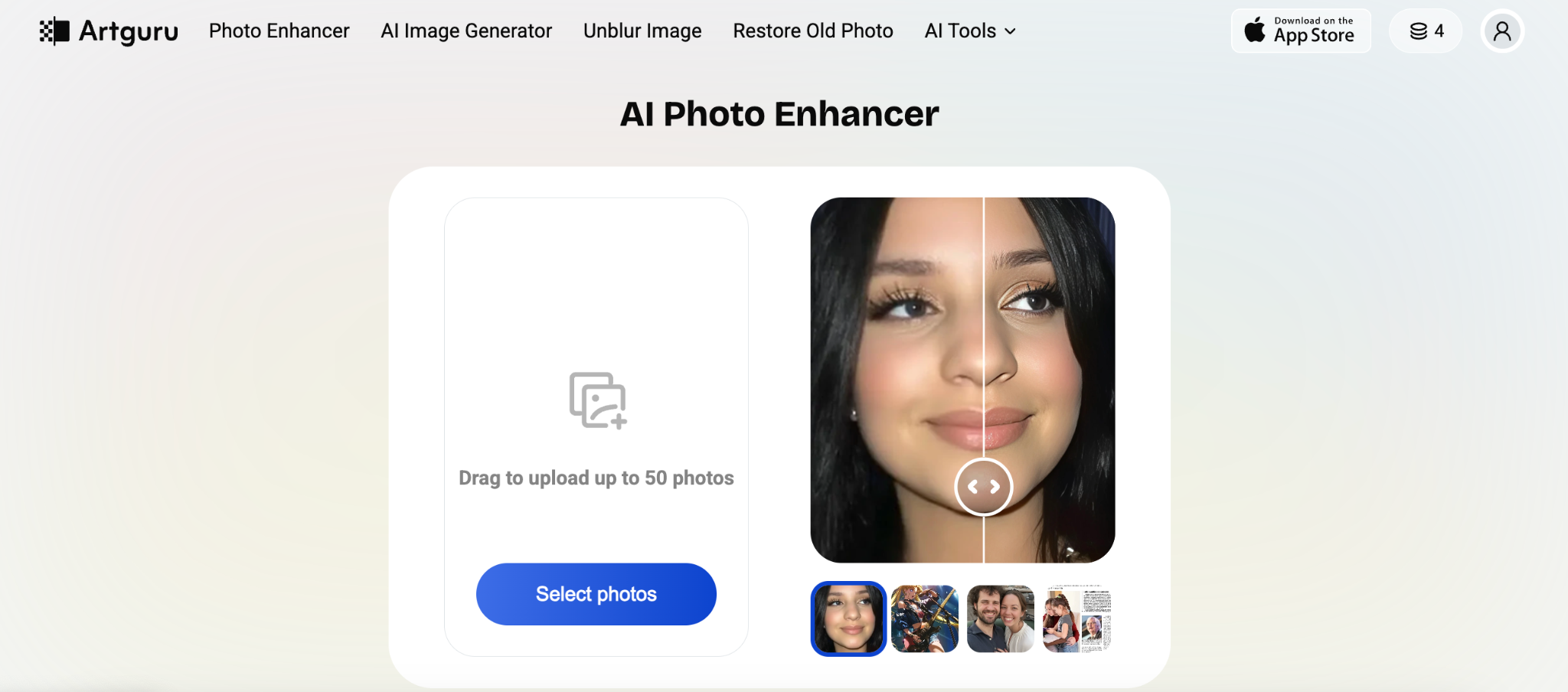
Open the Artguru photo enhancer platform and upload up to 50 blurry or low-quality photos (JPG, PNG, or WebP) that you want to improve to HD or 4K. If you need an even higher resolution, you can use Artguru’s image upscaler, which allows you to upscale images to 8K quality.
Step 2: Just Wait

Once your photo is uploaded, the advanced AI makes the analysis and unblur image. It automatically applies enhancement techniques like sharpening, noise reduction, and upscaling to improve the photo’s clarity.
Additionally, your concern about the image style being altered is unnecessary. In fact, AI doesn’t change any aspect of your style.
Step 3: Preview and Download
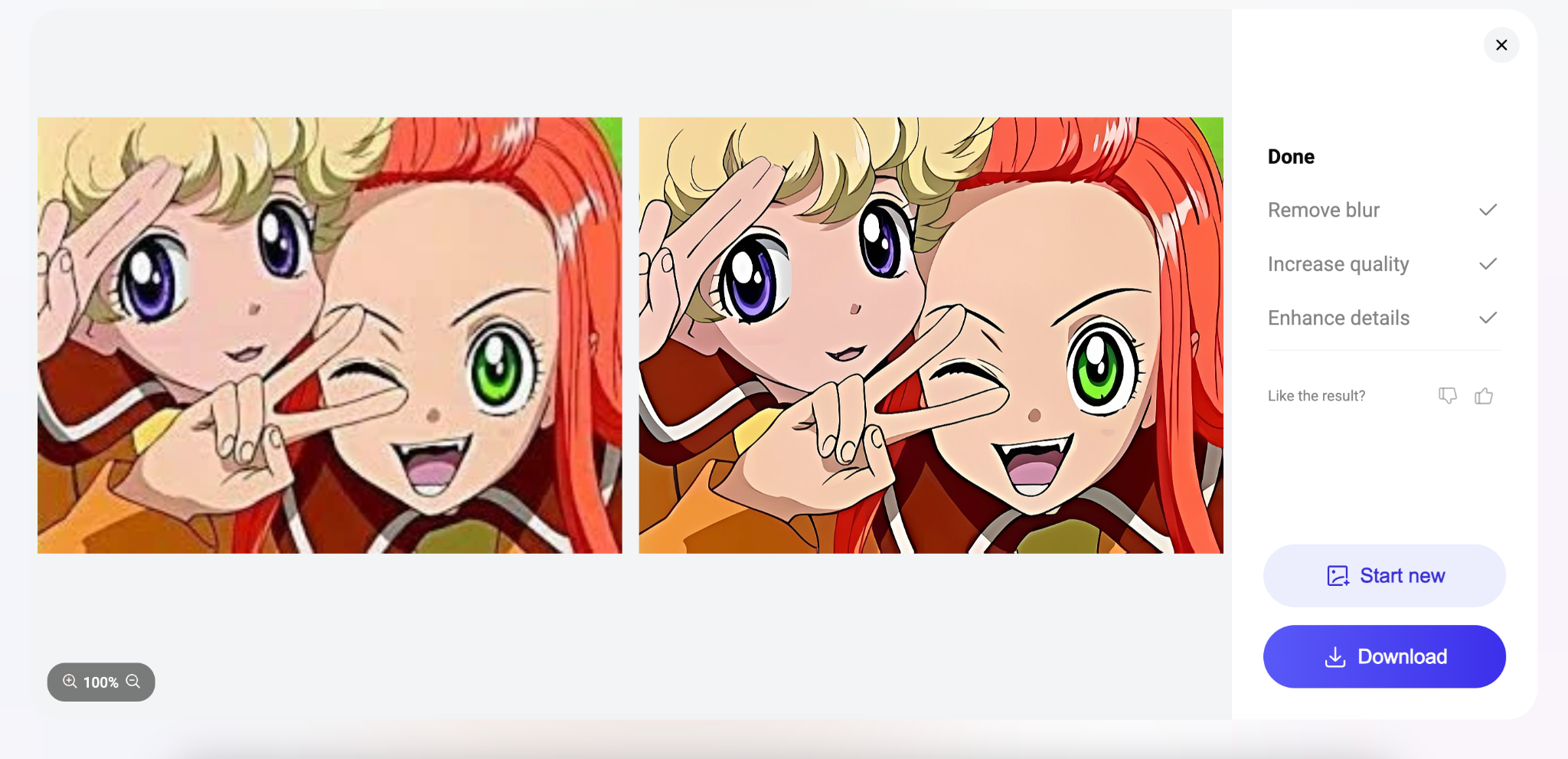
In just a few seconds, your photo is enhanced and transformed into a high-resolution version with sharper details and reduced noise. You can compare the before-and-after versions to see the clear improvements made by the AI. For example, a blurry portrait photo will become much clearer and more vibrant.
Which Types of Pictures Can AI Photo Enhancers Work With?
AI photo enhancers are versatile tools that can work with various types of images, including portraits, landscapes, artwork, and even images with text. They are especially effective at improving the clarity, resolution, and details of low-quality images.
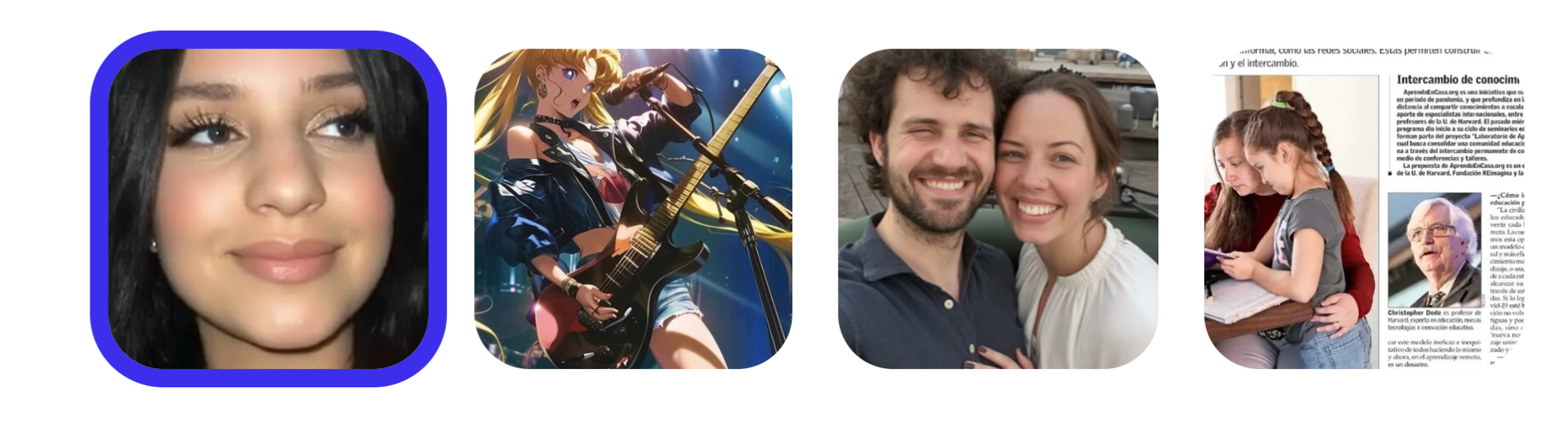
However, each photo enhancer specializes in different types of images. Some are better suited for enhancing portraits, anime, and images with text, like Artguru, while others may be more suitable for improving landscapes, old photos, and similar images. You can choose the right tool based on your specific needs.
Conclusion
Using AI photo enhancers is an easy and fast way to make your blurry photos clear again. Whether you’re a beginner or an experienced photographer, they are a great option for improving the quality of your images. Try an AI photo enhancer today, such as Artguru image enhancer, which offers free daily credits, and experience how quickly and effectively it can enhance your photos.







