

 Desk
Desk
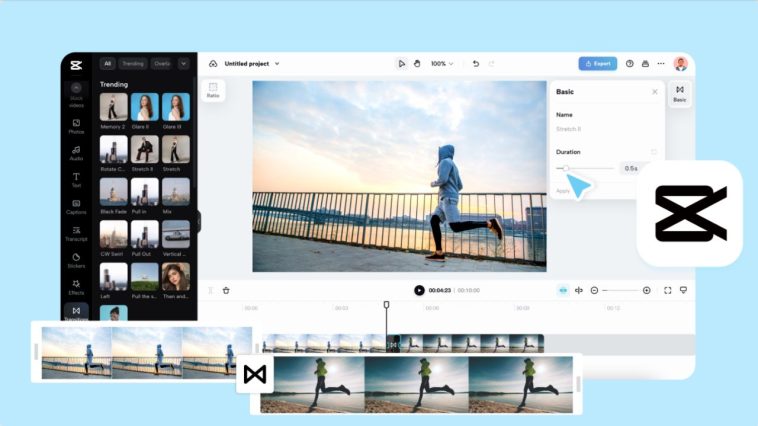
A story is characterized by smooth transitions between clips. Clips running continuously keep a viewer interested. The smooth blending produces videos that are natural, professional and easy to follow. With This is a convenient and simple process called CapCut Web. It is a tool that allows you to combine clips seamlessly and create professional content with little effort.
Why Clip Merging Matters
A narrative that is narrated by fragmented clips is not complete. Combining fragments of footage makes it one continuous story. In the case of interviews, the continuity of the answers prevents lapses. In the case of travel videos, it links various destinations together into a trip. Tutorials become clearer when the transitions lead the learner through the tutorial step by step.
When there is a flow in moments, event highlights become immersive. Videos are jagged without merging and distract the viewers to the message. It is at this point that an online video editor such as CapCut Web is necessary. It also has characteristics that render your videos captivating and distraction-free.

Features for Seamless Merging
The Timeline is easy to merge using CapCut Web. You are able to insert clips where it fits. Even complex edits can be perfectly precise with auto-alignment. It also provides a transition library on the platform which enhances flow. Fades, wipes, etc. You have the option of fades, wipes, etc. to make clips fit like a glove. These capabilities allow the merging of professionals without complex tools. The changes between scenes add to the story instead of breaking it.
Innovative uses of Clip Merging
Combination of the clips creates creative options. By using shots of various angles, you can create narrative curves. Promotional reels are more effective when different footage is combined into a single dynamic film.
The advantage of music videos is that the clips are combined to match rhythm and beats. Social media content that is short in form is livelier when the edits are synchronized with sound. CapCut Web makes sure that your creative vision looks smooth and straightforward.
Steps to Use Online Video Editor That Lets You Merge Clips Seamlessly
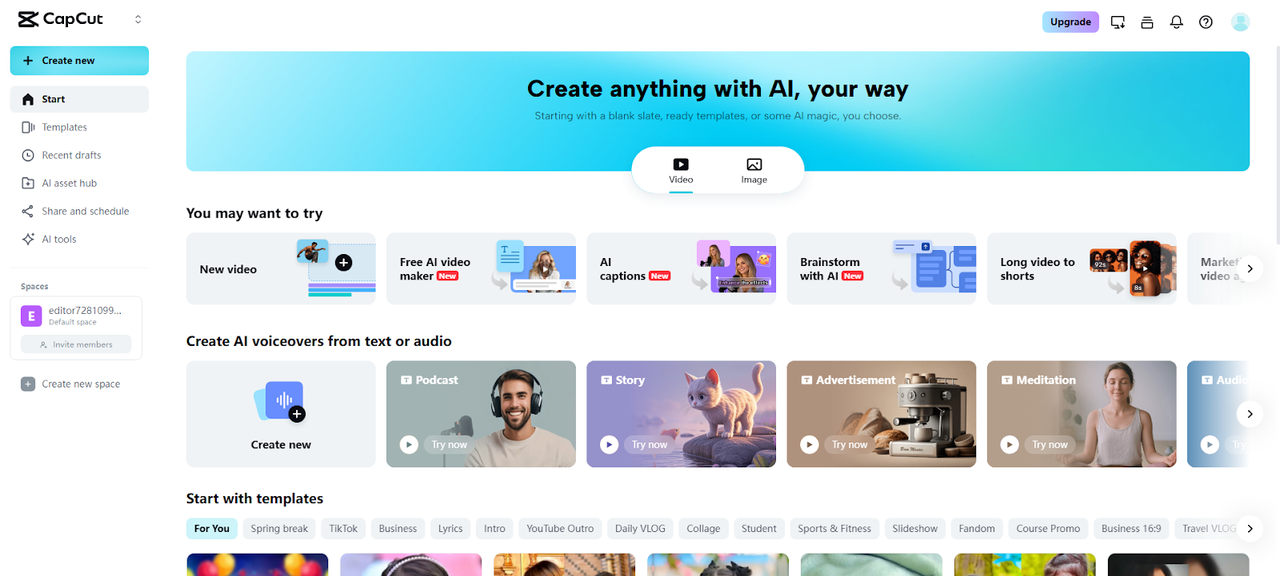
Step 1: Start with setup Click on the Log in CapCut and then the main menu with “Video” selected. Next, tap “New video”. The editor will open, letting you upload multiple clips from your local device, drag and drop, or use Google Drive and Dropbox.
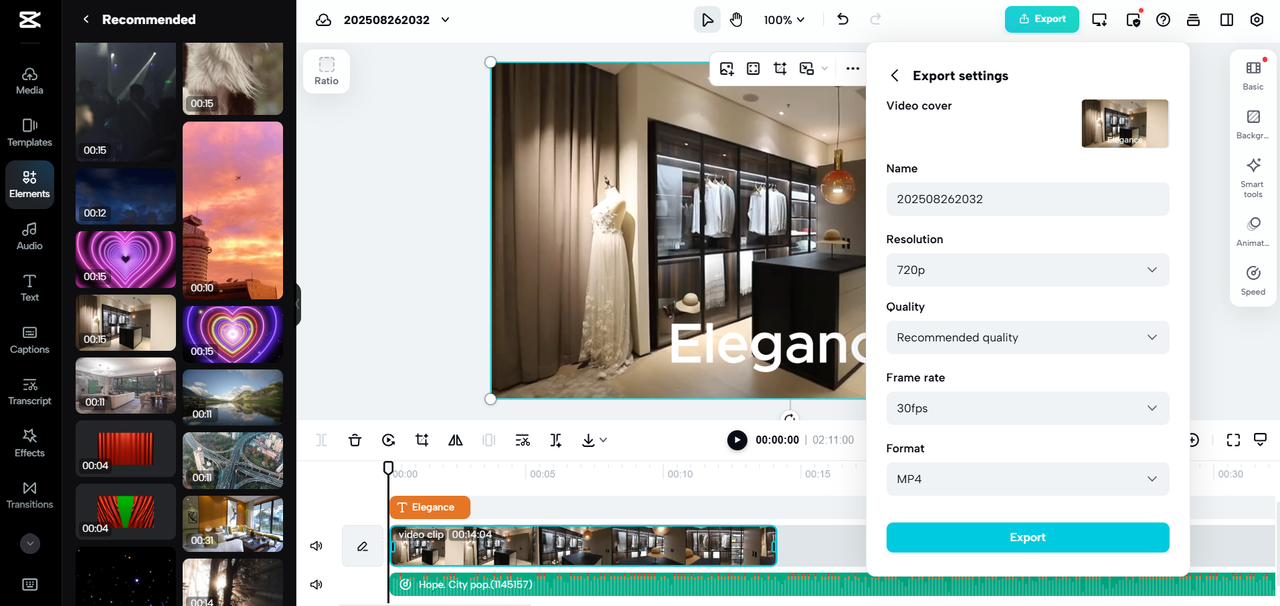
Step 2: Combine clips: Drag your footage on the timeline. Insert text using the correct font, size and color to connect scenes. You can also combine transitions, effects, or animation so that there is a seamless movement of sections. Regulate the speed or pitch of sound to maintain uniformity.

Step 3: Export your merged video After blending your clips, click the “Export” tab in the top right corner. Click the download button to provide a custom name, resolution, quality, frame rate, and format. Click “Export” to download your seamless video for sharing.
AI-Powered Enhancements for Clip Merging
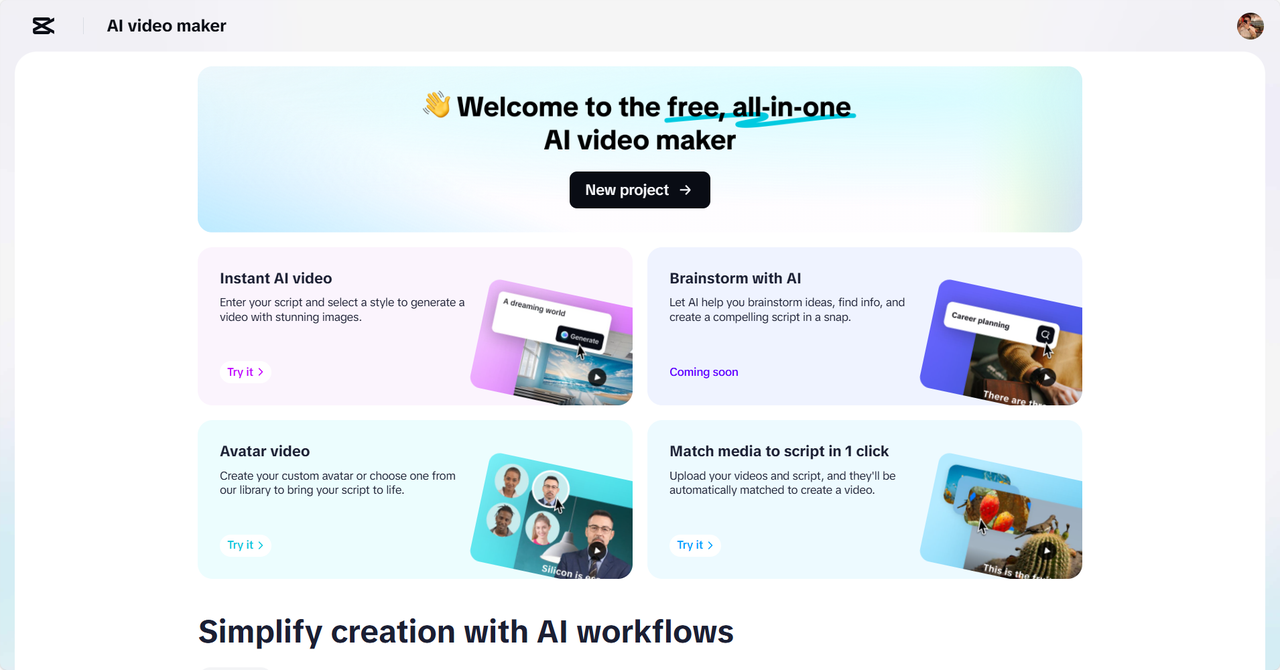
CapCut Web integrates AI technologies that improve amalgamated material. An AI video generator may introduce such features as automatic generated subtitles. Subtitles connect clips and are consistent throughout a transition. Intelligent background remover contributes to unification of scenes that were shot at various locations. Backdrops can be changed or manipulated to be integrated. Consistency is also improved by use of filters and effects, which ensure that merged clips appear together. Such AI-based applications make the editing process easier and finalize better.
Techniques for Professional-Quality Transitions
The clips are connected by transitions. A crossfade blurs the transition between two scenes. Wipes introduce a creative movement to the story. Fast sequences are energized by motion effects.
Brightness and contrast adjustment make clips appear to be visually consistent. Background music also helps to cover sharp transitions and harmonize the sound. The tricks cause your video to seem professional and deliberate. CapCut Web provides you with the means of implementing them.
Visual Consistency on Scale
Professional videos have a consistent appearance of combined videos. CapCut Web provides the means to do this. You can use color and tone filters. Effects bring about harmony between lighted scenes. Through a combination of care, your story seems to be part of one instead of being fragmented. This technique transforms normal video footage into a movie narration. You can unify even clips that belong to different sources. A photo editor can also be used with video editing to make changes to the image. This makes all the frames appear clear and professional.
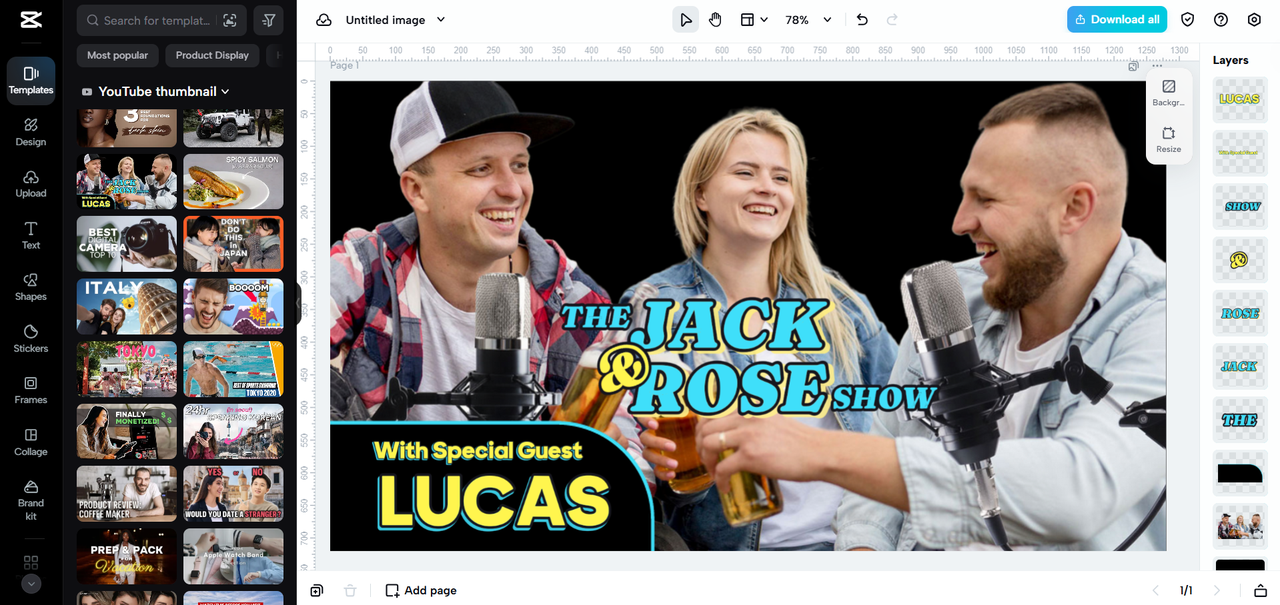
Creating Interesting Stories
Smooth fading does not just join clips. It influences the way that you tell your story. In the case of travel videos, the combination makes it a smooth ride. In the case of tutorials, a combination is used so that learners do not get distracted.
In the case of promotional material, it is better to mix it up and provide punch at every transition point. CapCut Web enables you to create attention-grabbing videos. Combining purpose with purpose helps you to take your audience through a natural story.
CapCut Web as an Entire Editing System
CapCut Web is not only a merging tool. It offers complete editing functions which are similar to those of professionals. You can combine, trim and overprint easily. Your projects can be stored in cloud storage and accessed anywhere.
Custom resolution and format options are supported in exports. This is the reason why CapCut Web can be used by both amateurs and experts. It is simple and also has strong editing capabilities.
Conclusion
Continuous clip merging is a strong narrative method. It holds your audience captive and your story concise. CapCut Web provides solutions that simplify the process of merging to a professional level. Drag-and-drop editing, AI-assisted improvements, and all other features facilitate the storytelling process. You can use transitions, effects, filters, to make everything in your video stay consistent. Create better content with CapCut Web. Your videos will have a smooth flow with a natural flow and effect.







