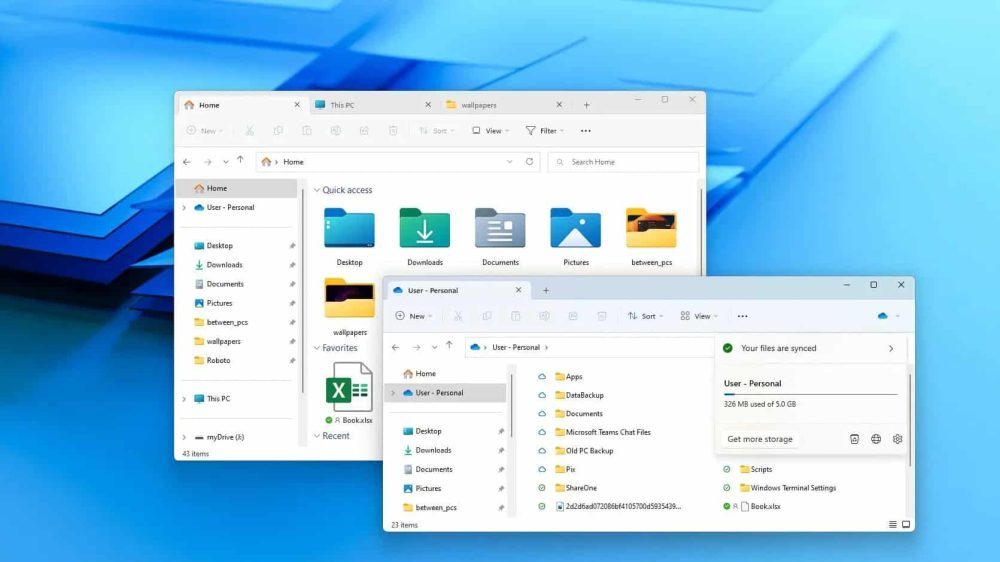
Microsoft has rolled out a background-preloading update for File Explorer in Windows 11 Insider builds. The feature is designed to keep parts of Explorer loaded in memory so it opens faster and feels smoother. However, testing by Windows Latest shows that the change has not improved performance. Instead, File Explorer continues to lag behind the version in Windows 10 and now consumes even more system RAM.
In direct comparisons, Windows 11’s preloaded File Explorer opened more slowly than Windows 10’s standard Explorer, even on low-power devices. The update also increases background memory consumption, which may affect systems with limited RAM, such as machines with 4GB to 8GB. Context menus and folder navigation remain slower despite the new preload system. Although the feature is enabled by default in the Insider build, Microsoft has not committed to a wider rollout.
How to Fix It
Microsoft is expected to make further adjustments as testing continues. Future Insider builds may revise the preload system, roll back elements of the experiment, or explore a broader redesign. Users experiencing slowdowns can disable preloading or reduce visual effects for a temporary improvement while waiting for Microsoft to resolve the performance issues.
Why It Matters for Users
File Explorer is a core Windows tool used to browse files, move folders, open documents, and manage downloads. When it feels slow, it affects the overall responsiveness of the operating system. The preloading feature was intended to address this, but the additional RAM usage combined with slower performance creates a noticeable downgrade.
For users on budget laptops, tablets, or older desktops, the extra memory overhead may limit available RAM for browsers, development tools, or other applications. Power users who multitask heavily may also experience more delay. The update highlights an ongoing issue within Windows 11’s UI, where a mix of older Win32 components and newer WinUI elements continues to impact system performance.
Why Users Should Pay Attention
Many Windows 11 users have already noticed that File Explorer can feel slow or unresponsive. The new testing confirms that the problem persists and that the preloading attempt does not resolve it. Instead of offering faster access, it introduces inconsistent performance, longer pauses in context menus, slower folder navigation, and increased RAM usage.
This means that even everyday tasks may feel less responsive, especially on devices with limited memory. Since File Explorer is opened multiple times a day by most users, the lack of improvement remains a key issue for Windows 11.
Stay Connected with ProPakistani
Get the latest tech news, telecom insights, and product launches wherever you prefer.
Add ProPakistani to Preferred Sources and see more of our stories in Google Search and Top Stories.













dil dil pakistan karachi dil dil