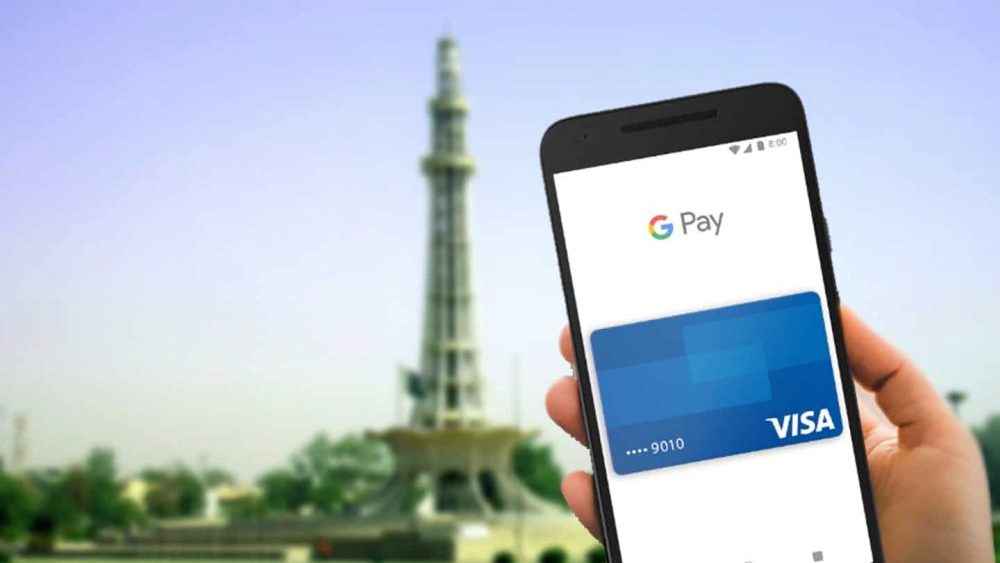
Google has just launched its mobile payment service Google Wallet in Pakistan. The service not only allows online payments but also enables in-app and in-person contactless payments via mobile devices, all of which is now available via Google Wallet in Pakistan.
How to Use Google Pay
Google Wallet in Pakistan is easy to use. Simply download Google Wallet from the Google Play Store today. If you already have an eligible credit or debit card saved to your Google account, it will automatically appear in Google Wallet. Simply follow the on-screen steps to set it up for contactless payments.
If you don’t have a card saved and would like to add a new one, tap “Add a card” in the carousel at the top of the page. Then, review and accept the issuer’s terms and conditions and complete the verification process. Your card will then be tokenized and ready for use in Google Wallet.
Google Wallet in Pakistan
Google Wallet provides people with a safer, simpler, and more helpful payment experience and supports digital items such as loyalty cards and boarding passes as well. Here are the bank cards you can currently add to Google Wallet/Google Pay.
- Bank AlFalah (Visa and Mastercard debit and credit cards)
- Bank of Punjab (Mastercard credit cards)
- Faysal Bank Noor (Mastercard debit cards)
- HBL (Visa and Mastercard debit and credit cards)
- Jazzcash (Mastercard debit cards)
- Meezan Bank (Visa and Mastercard debit cards)
- UBL (Visa and Mastercard debit cards)
Holders of these bank cards will be able to add their cards to Google Wallet in Pakistan and pay with their Android phones or Wear OS devices wherever contactless payments are accepted. Payment cards from Google Wallet can be used to pay online or in-app at merchants wherever you see the Google Pay button.

Additionally, these bank cards will be available on Google Pay soon:
- Allied Bank (Visa debit cards)
- Easypaisa Digital Bank (Visa debit cards)
- JS Bank (Visa credit cards and Mastercard debit cards)
- Zindigi (Visa debit and credit cards, and Mastercard debit cards) will be able to add their cards to Google Wallet in Pakistan soon.
Soon, online merchants like Onic, Gul Ahmed, Sana Safinaz, J. and KE will also be available with PayFast’s integration with Google Pay, and businesses using Safepay’s platform.
You can also add boarding passes from Batik Air and Thai Airways to Google Wallet in Pakistan. This allows travelers to be notified of departure time and gate changes to ensure a hassle-free experience at the airport. Furthermore, they will be able to tap and pay securely using Google Wallet during their overseas travel.
Stay Connected with ProPakistani
Get the latest tech news, telecom insights, and product launches wherever you prefer.
Add ProPakistani to Preferred Sources and see more of our stories in Google Search and Top Stories.














can we add bank alfalah islamic card ?
probably works. try it out
yesterday night it was not working, but now i added it successfully
waiting for easypaisa and jazcash
jazzcash debit mastercards are available already
Seems i can’t find the Google Wallet app on Apple Store. Any tips?
Google Wallet is not on iOS. you can try the alternative Google Pay app on it
Finaly!! Now if only google allows Peer to Peer Money Transfer we won’t miss not Paypal
Can we hack google wallet?
Shabbbaaaaashhhh…
can we receive local and international payments in this as well? or is it just for purchasing and paying bills?
let’s see how much time it will take to banned in Pakistan
What about NayaPay and SadaPay
Wallet account ko state bank ny ban kia hua h can’t use both of them
SadaPay Card isn’t working for now
Let’s see
Its not working on Patched phones
It does. You’re a normie.
Ye ios pe available q nahi hai
I tried my Faysal bank debit card and it worked like a charm.
I hope Standard Chartered credit card will also work soon.
Good this pallet farham for money
Can I enter my Askari bank debit card n credit card card n National Bank card can anyone update on it
There is no support for those banks yet