

 Umer Zahid
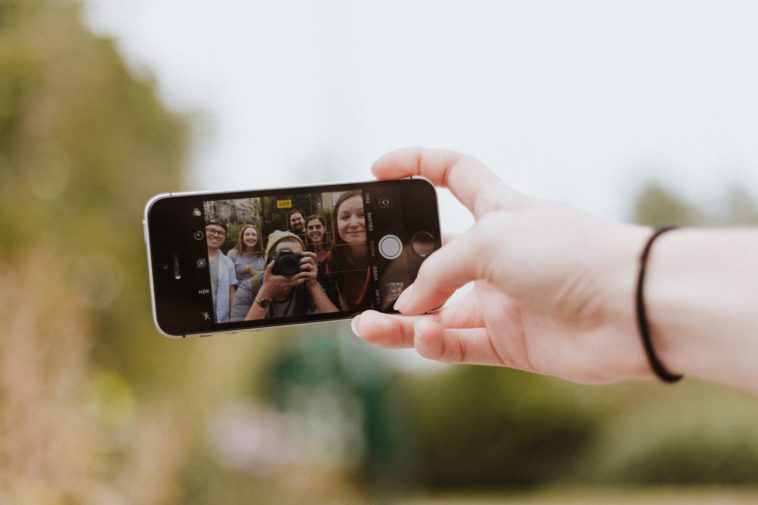
Selfie is the buzzword of the modern world. Taking pictures now and then to capture everyday experiences has become a trend. Because of the social media, we are always on the lookout to get as many likes, comments and followers as possible. And these selfies play a major part in attracting this kind of attention.
Let’s face it, we all are addicted to this selfie trend which is why many smartphone makers are launching devices made especially for selfies. This brings us to the question for which you all are here for: how to make basic edits to your selfie that would make it look great?
Also Read: How to schedule tweets on Twitter
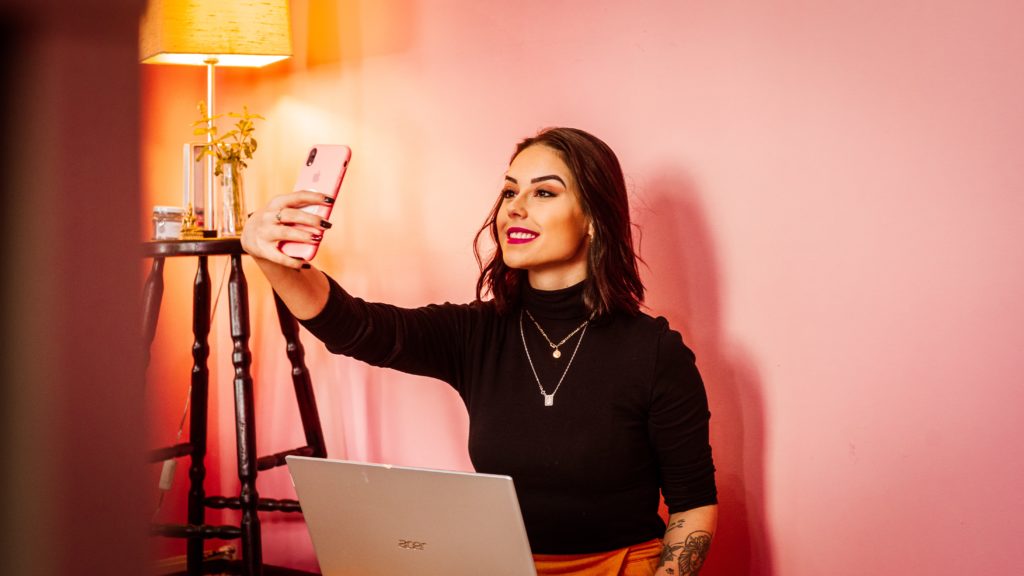
With highly improved camera quality and image result in smartphones, you don’t need professional cameras anymore to produce stunning images. By making some basic edits in your pictures, you can produce photos which are outstanding for your Instagram feed. Now the question is how to make these basic edits.
How to Make Basic Edits to your Selfie That Would Make It Look Great
To make your selfie to look better, all you need is editing software and some practice. There are many good photo editing apps available on iOS and Android that would make our selfies look great. However, first, you need to have some knowledge about editing photos.
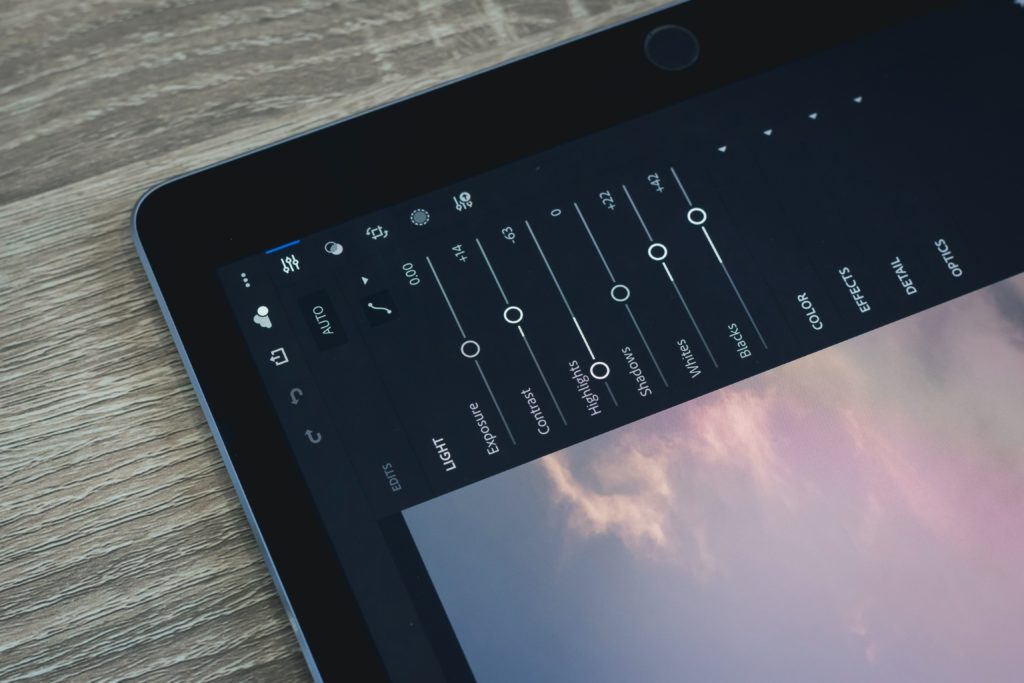
Most people use Adobe Photoshop Lightroom to edit their pictures. But nowadays, there are built-in photo editing tools in smartphones which allow us to make these selfies look great. After iOS 13, iPhones have great photo editing tool through which users can make simple edits like setting exposure, saturation, shadows etc.
But first, let’s discuss how to make basic edits to your Selfie in Adobe Lightroom.
Editing Selfie in Adobe Photoshop Lightroom
Adobe Photoshop Lightroom app is available on both iOS and Android, you can download it for free from respective app stores. To edit your selfies in Lightroom, you need to do the following.
- Run the Lightroom app on your smartphone.
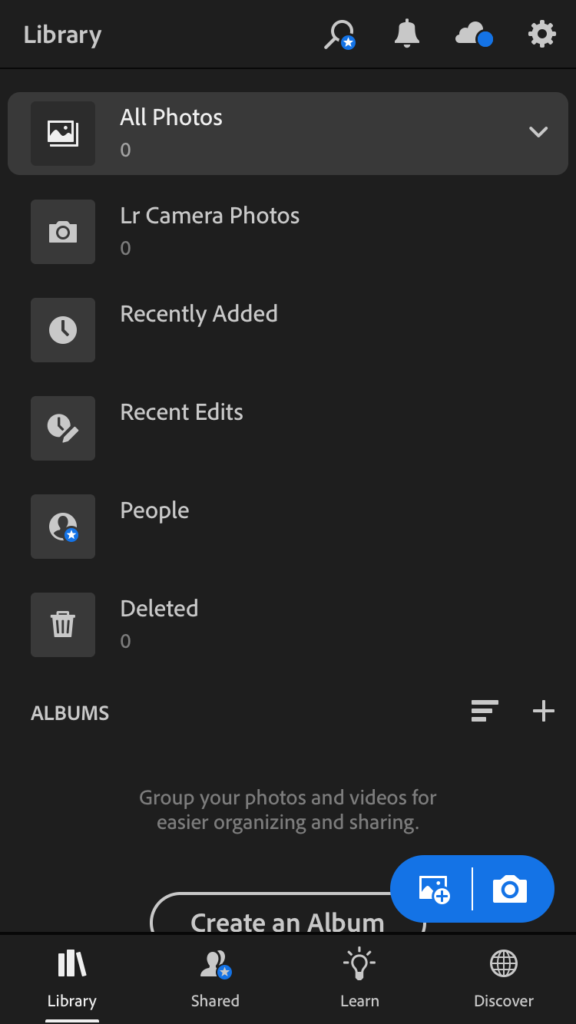
- Give app access to your photos.
- Select the photo you want to edit.
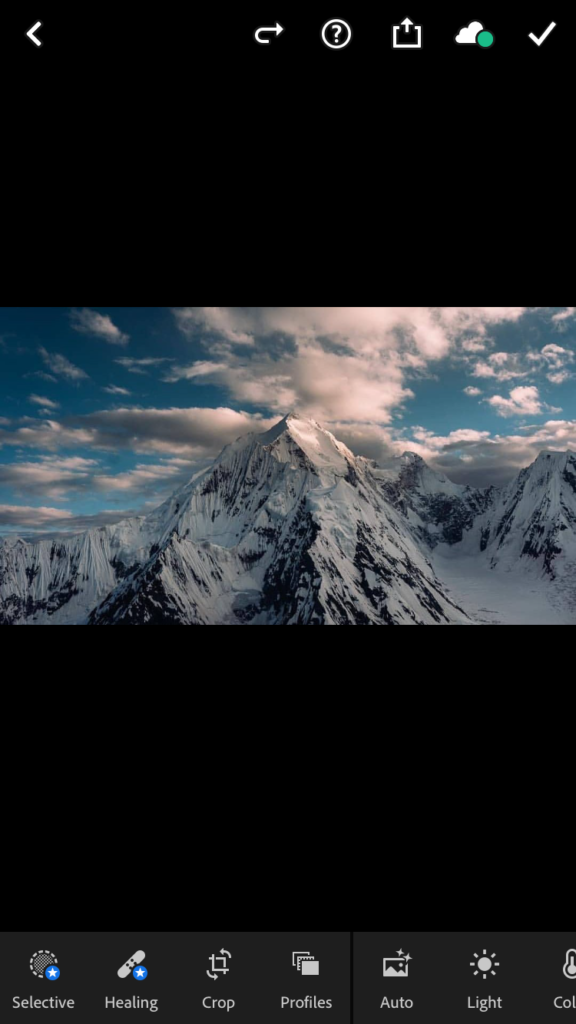
- Now you will be given different options like adjusting light, colour or selecting the app’s built-in presets.
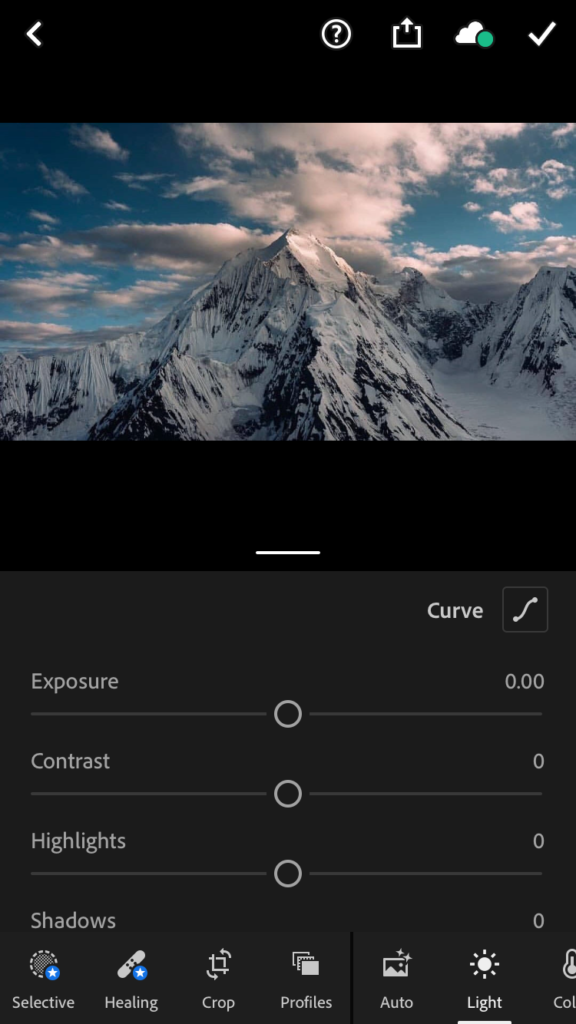
- If your photo is lacking in exposure then you can use different options in Lightroom to bring more exposure and detail in the image. You can make adjustments in Brightness/Contrast, Levels, Exposure and Shadows/Highlights etc. to correct the exposure of your photo.
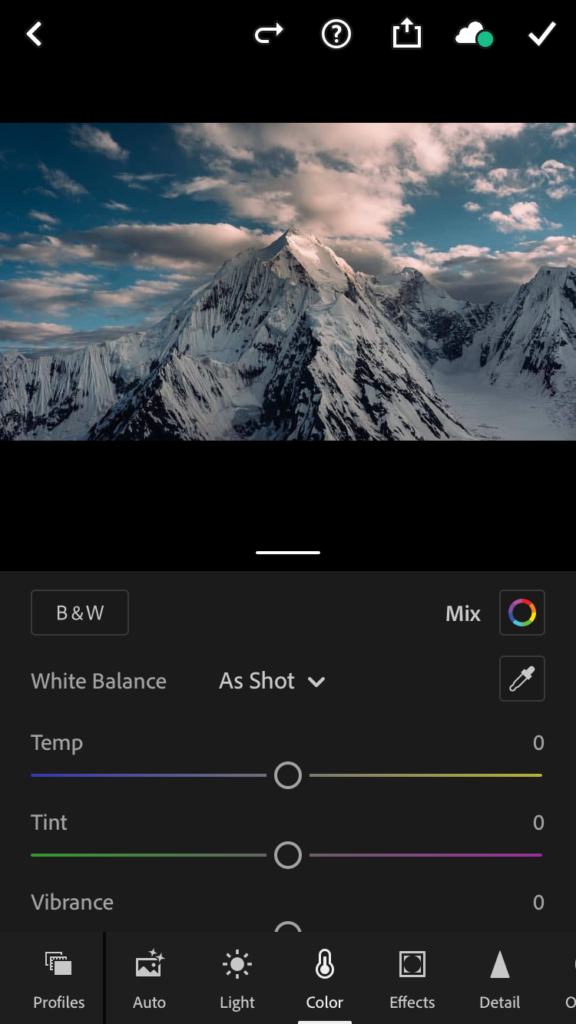
- If you want your photo to have accurate colours then you can use Lightroom’s colour balance tool. You can change the colour of your image by making changes in the temperature. You can either bring a warm tone or cool tone in the photo.
Note: If you have never used Adobe Lightroom before then you can watch a tutorial on YouTube to get familiar with all editing tips and tricks. For your convenience, we have attached the link. Click here.
If you don’t want to use Lightroom then you can use your phone’s default photo editing tool as well to edit your selfies. Just make changes in the things which we have mentioned above.
To make basic edits in a selfie, you can use Instagram as well. It is easy and transforms your selfie significantly.
Editing your Selfie on Instagram
Nowadays, most people have an Instagram account where they share their daily activities by uploading pictures or adding stories. But Instagram is also a good photo editing tool which allows us to make some basic changes in our pictures. How it can be done? Read the following instructions.
- Open Instagram and take a bunch of pictures. Try to take these pictures in better light conditions.
- Now choose a filter to apply on the picture. There are a bunch of good filters available on Instagram to make your photos look great.
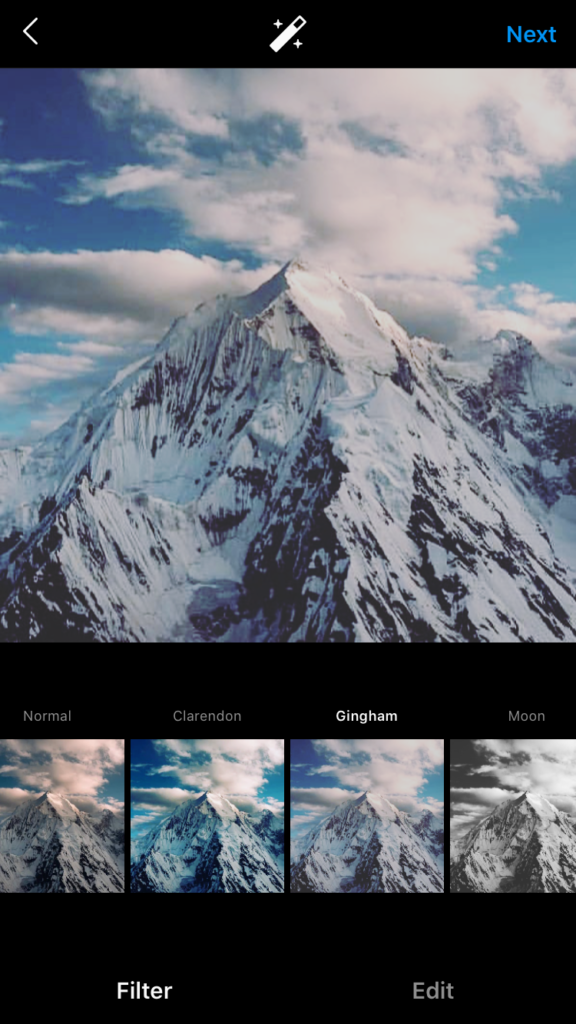
- After applying the filter, you have to adjust the Lux settings. Lux adjusts contrast and exposure of your photos. If your picture is underexposed then move the slider to the right to increase the contrast and intensity of the image.

- You can make more changes as well as adjust the alignment, add a vignette effect, and scale-up saturation to get more vivid colours.

- After making all these changes, you are ready to post your photo on Instagram.
Besides that, there are many apps which you can use on your smartphone or PC to edit your pictures and make them look great. Some of them are given below.
Well, there you have it guys! Let us know in the comments what you think about this article on how to make basic edits to your Selfie that would make it look great and if you have found this helpful then share it among your friends.







